Create Deep Roots Shortcut
| 1) |
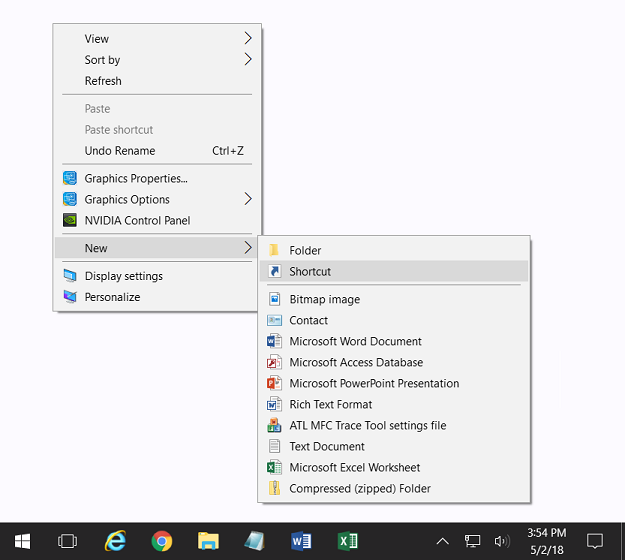
From the Desktop (main Windows screen), right-click where there are no icons. From the drop-down menu, left-click "New" then "Shortcut".
|
|
| 2) |
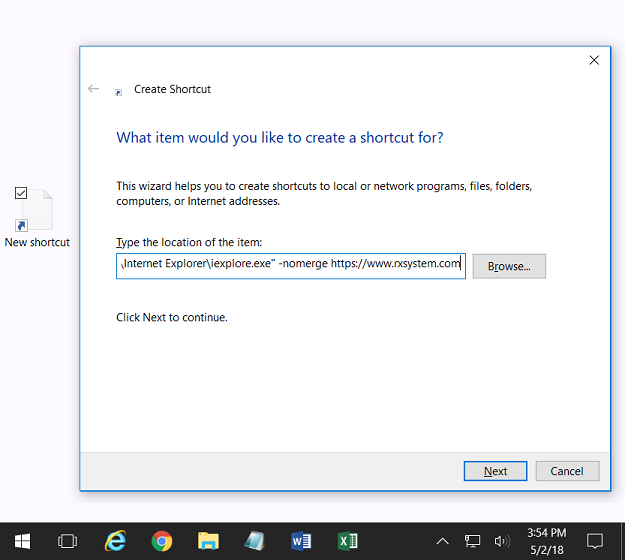
Copy then Paste the text from one of the below shortcuts, into the "Type the location of the item:" box, then click "Next":
|
| |
|
|
| 3) |
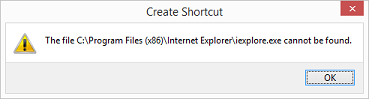
If after using shortcut "a" above you get the below error, then you need to use shortcut "b" from step 2:
|
|
| 4) |
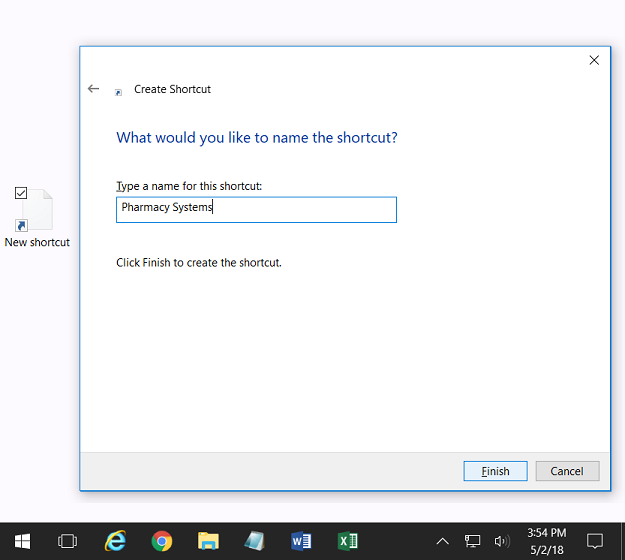
Name the shortcut "Pharmacy Systems" then click the "Finish" button:
|
|
| 5) |
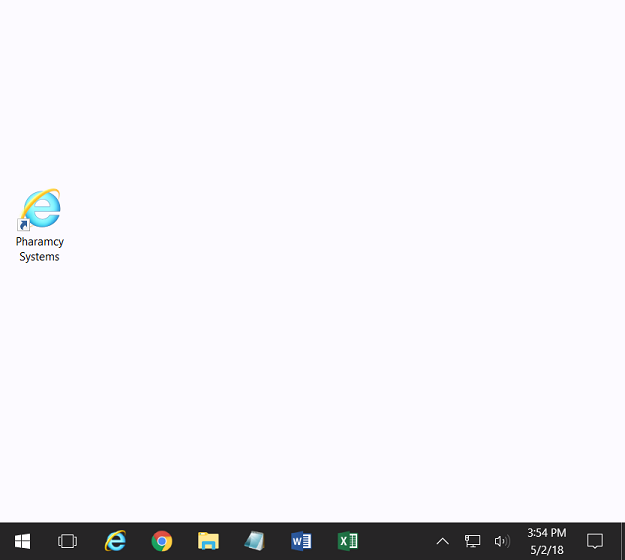
Your new shortcut icon should look like this.
|
|